
Dashboard Modules Toggle — Show/Hide Views
Revenue Engine AI includes 13 dashboard views covering every angle of sales performance. Not every view is relevant to every role — a sales rep does not need access to the Account Intelligence or Data Audit views, and some organisations prefer to limit which views are visible to specific teams.
The Dashboard Modules section in Settings lets admins show or hide individual views from the sidebar navigation, keeping the interface focused and reducing cognitive overload for non-admin users.
Which Views Can Be Toggled
All 13 dashboard views can be independently toggled. The following table lists each view, its default visibility, and the typical reason to hide it:
| View | Default | Common reason to hide |
|---|---|---|
| Revenue Command Center | On | Rarely hidden — primary entry point for all roles |
| Pipeline Health | On | May hide for reps if pipeline is manager-reviewed only |
| Team Leaderboard | On | Some organisations prefer to keep rankings private from reps |
| Activity vs Revenue | On | Hide for admin-only installations with no coaching workflow |
| Risk Radar | On | Rarely hidden — high value for managers and reps alike |
| Rep Deep Dive | On | May hide for reps who only need My Pipeline |
| My Pipeline | On | Rarely hidden — primary rep workflow view |
| Revenue Realization | On | Hide if Quotes/Orders/Invoices modules are not used in SuiteCRM |
| Conversion Flow | On | Hide if Leads module is not used |
| Performance Index | On | Hide if composite scoring is not part of your review process |
| Account Intelligence | On | Hide for teams without named account assignments |
| Forecast Accuracy Tracker | On | Hide for teams that do not use formal forecast snapshots |
| Data Audit & Diagnostics | On (admin only) | Already restricted to admins by RBAC — hiding is optional additional control |
How to Show or Hide a View
- Log in to SuiteCRM as a system administrator.
- Open Revenue Engine AI and click the Settings icon in the header.
- Scroll to the Dashboard Modules accordion section and expand it.
- Find the view you want to show or hide in the toggle grid.
- Click the toggle to switch it On (visible, cyan) or Off (hidden, greyed).
- Click Save Changes.
The sidebar will update immediately on next page load — users currently viewing the dashboard will see the change after they navigate to another view or refresh.
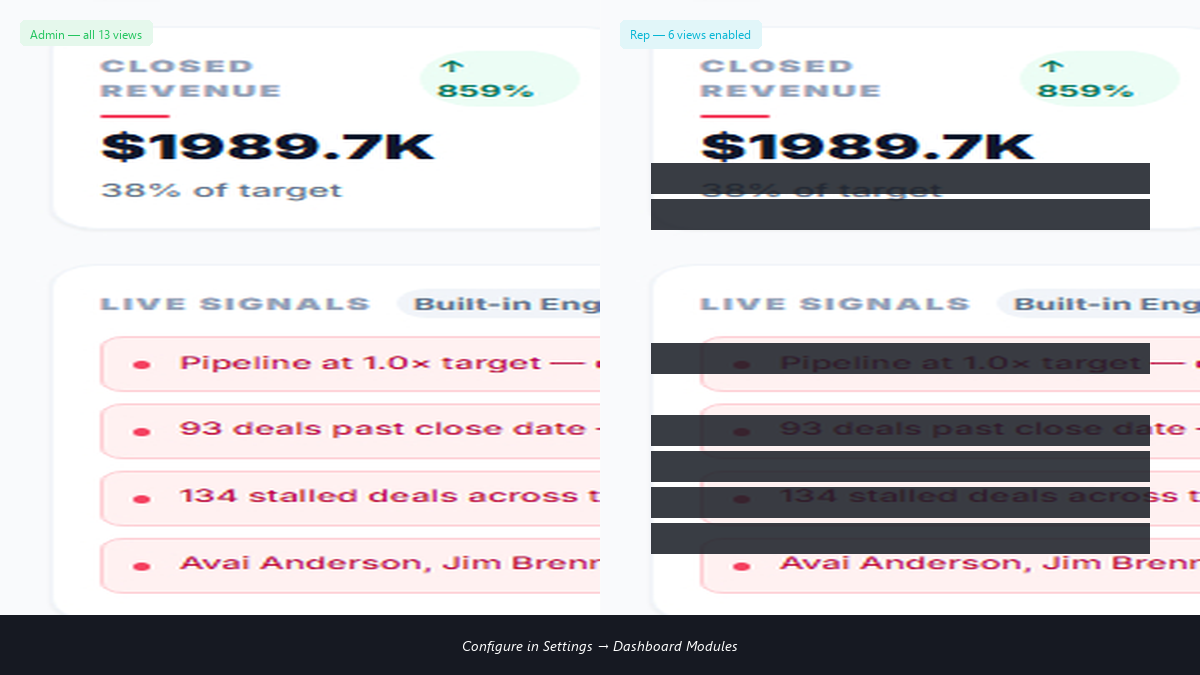
Note: Hiding a view removes it from the sidebar for all users in scope. It does not delete data or affect underlying SuiteCRM records. The view can be re-enabled at any time by toggling it back On and saving.
Dashboard Modules and RBAC
Dashboard Modules Toggle works alongside — not instead of — the data visibility RBAC. Understanding how they interact prevents confusion:
| Control | What it does | Scope |
|---|---|---|
| Dashboard Modules Toggle | Shows or hides the view from the sidebar | Applies to all users (global setting, not per-role) |
| Data Visibility RBAC | Controls which data a user sees within a visible view | Per user, based on SuiteCRM role and Security Group |
| Data Audit view | Hidden from non-admins at the data layer regardless of toggle | Server-side: returns empty/unauthorised for non-admins even if toggle is On |
If you want a view visible to admins and managers but hidden from reps, the current Dashboard Modules Toggle is a global switch — it hides the view for everyone. For role-specific visibility, combine the toggle with the data RBAC: keep the view on, but ensure that reps’ data scope returns only their own records (which is the default Basic-tier behaviour).
Roadmap: Per-role view visibility (show/hide specific views for specific ACL roles independently) is planned for a future release. The current toggle applies globally.
Recommended Configurations by Team Type
Rep-focused setup (hide management views)
Keep visible: Revenue Command Center, Risk Radar, My Pipeline, Rep Deep Dive, Conversion Flow
Hide: Team Leaderboard, Activity vs Revenue, Account Intelligence, Forecast Accuracy Tracker, Data Audit & Diagnostics, Performance Index
Manager-focused setup (all analytics, no admin)
Keep visible: All views except Data Audit & Diagnostics (already admin-only by RBAC)
Optionally hide: Revenue Realization if Quotes/Orders modules not in use
Minimal setup (core pipeline only)
Keep visible: Revenue Command Center, Pipeline Health, Risk Radar, My Pipeline
Hide: All other views until your team is comfortable with the core workflow
Revenue Engine AI v1.7.2 · Built by Zybroz · support@zybroz.com